
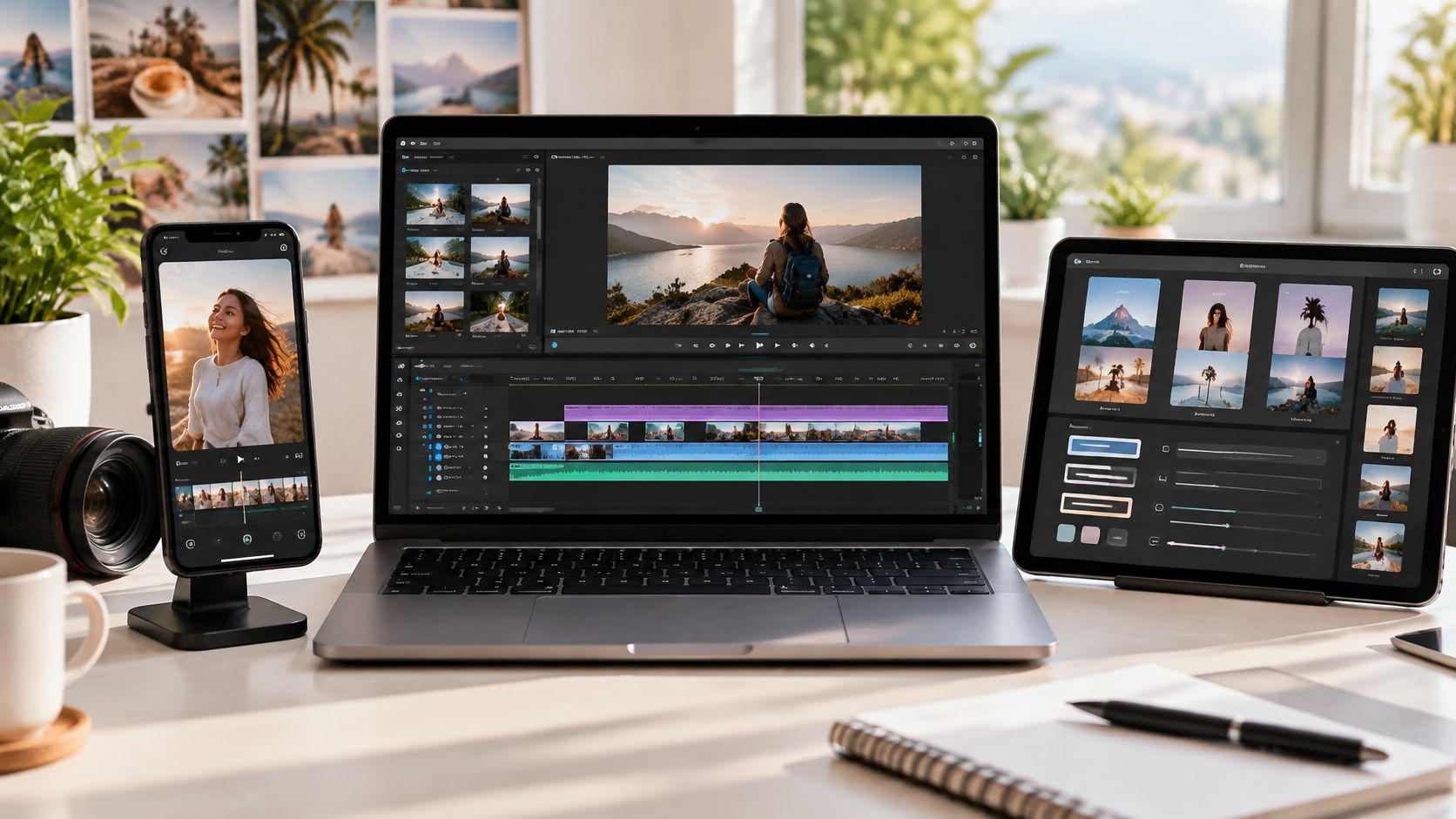

What if the best social media video maker isn't the one with the longest feature list, but the one that matches how a team already writes, shoots, and publishes? Every tool below can produce a social video. Differences show up in where editing happens, whether the free plan adds a watermark, caps resolution, or burns AI credits, and whether the editor assumes templates, transcripts, or generated first drafts.
That distinction matters because video is no longer an occasional campaign asset. The Wyzowl video marketing data reports that 89% of businesses used video for marketing in 2025, while 55% of marketers created video entirely in-house. A tool therefore has to compress scripting, resizing, captioning, and review, not just offer attractive templates.
Readers should test each option against a real publishing mix. A team cutting daily vertical clips needs different controls than a brand turning webinars into captioned excerpts. The practical checks are 9:16, 1:1, and 16:9 output, safe areas for platform overlays, clean captions, and an export path that doesn't force a rebuild for every channel.
Table of Contents
- 1. revid.ai
- 2. Canva
- 3. CapCut
- 4. Adobe Express
- 5. VEED
- 6. InVideo
- 7. Animoto
- 8. Kapwing
- 9. FlexClip
- 10. Clipchamp
- 11. Descript
- How the 10 social media video makers compare
- How to Pick Your Tool and Keep Up With What Changes Next
1. revid.ai
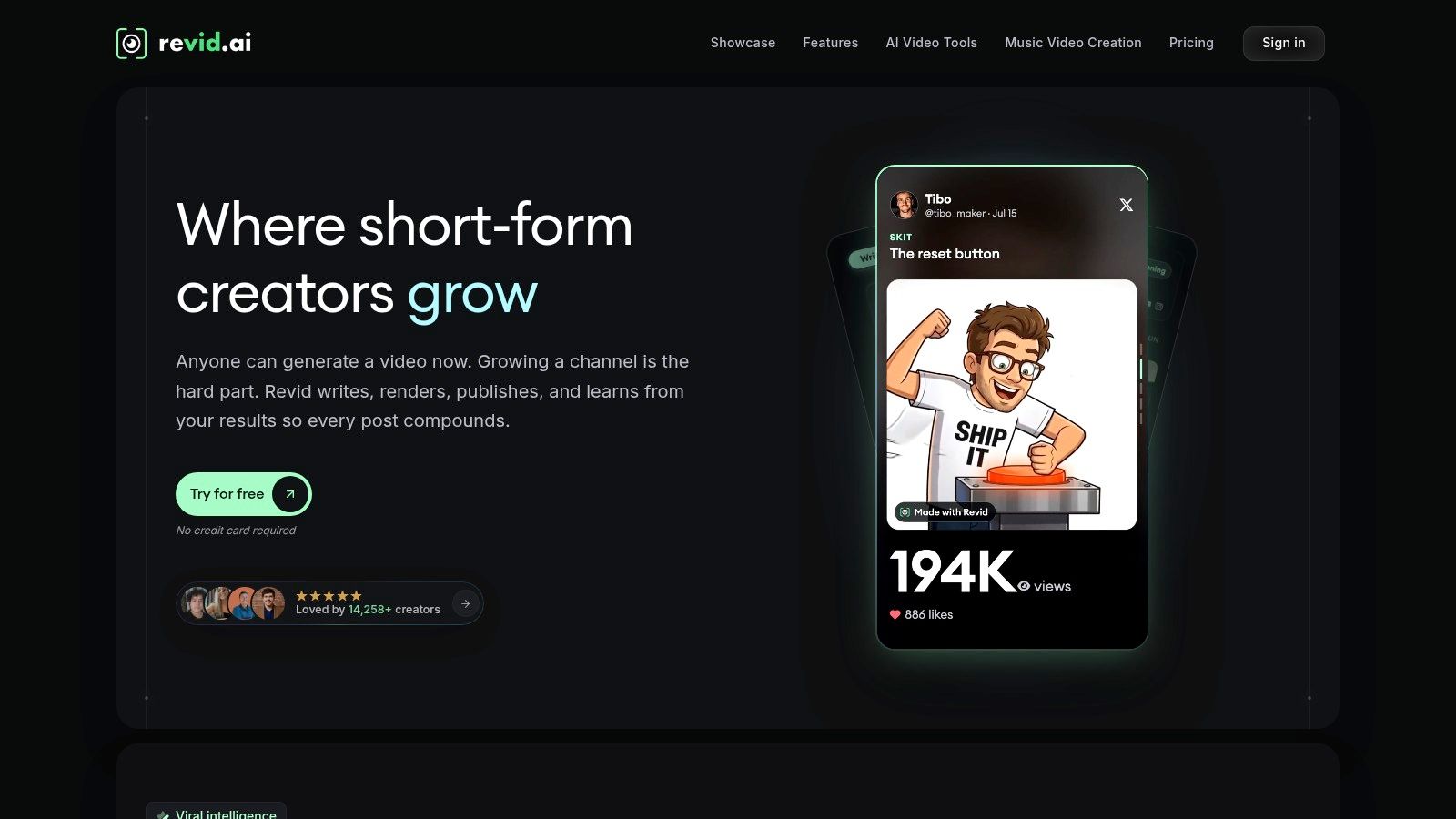
Revid.ai is built for creators who start with an idea or an existing link rather than raw footage. As a social media video maker, it uses AI to turn concepts, blogs, subreddits, and social accounts into short videos aimed at TikTok, Instagram, and YouTube. That makes it a strong fit when the bottleneck is finding a workable angle every day, not learning a timeline.
The workflow is deliberately front-loaded. Users can search for trending material, generate a script in seconds, then move into the editor to adjust wording, visuals, and pacing before publishing. For solo creators and lean teams, that sequence removes the blank-page problem and several handoffs between research, writing, and cutting.
Where revid.ai fits best
- Idea-led publishing: It suits faceless or commentary formats where the hook, script, and visual assembly matter more than original camera footage.
- Repurposing existing content: A blog post or online discussion can become a draft instead of sitting unused after publication.
- Trend-led testing: Search and rapid generation help creators try more hooks while a topic is still active.
The trade-off is editorial control. A generated draft still needs fact-checking, hook sharpening, and a check that visuals support the claim being made. It won't replace a frame-accurate editor for a brand film, client approval chain, or complex multi-camera interview, but that isn't its job. For frequent, mobile-first output in a market shaped by TikTok, where the Britannica entry on TikTok notes more than 1 billion people worldwide were regularly using TikTok by the early 2020s, revid.ai earns consideration by shortening the distance from idea to publishable draft.
2. Canva
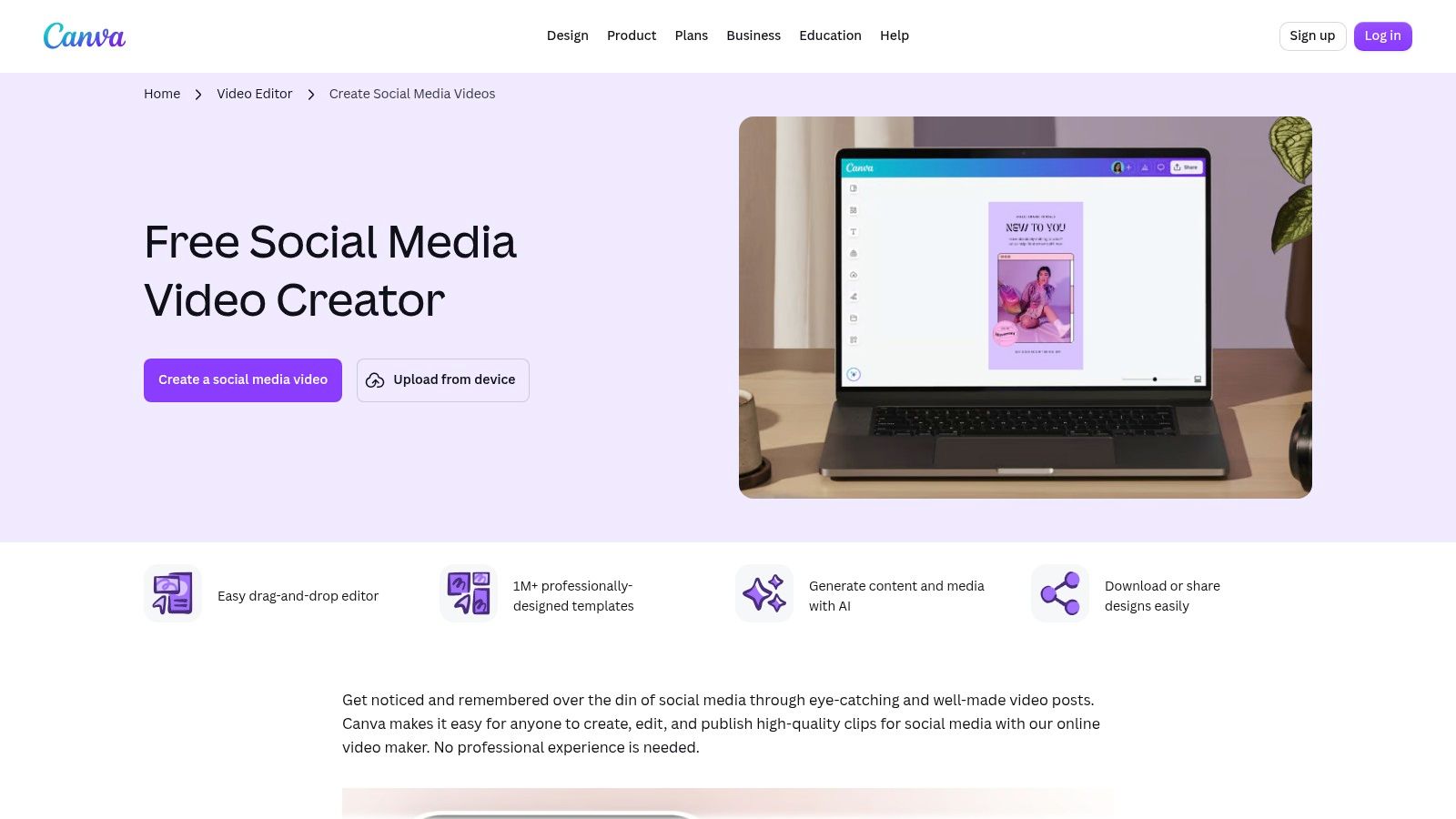
A marketing assistant who makes the Reel, the story, the thumbnail, and the launch graphic will understand Canva's appeal immediately. Canva combines templates for TikTok, Instagram, Facebook, and YouTube with drag-and-drop editing, resizing, collaboration, and direct publishing. Video sits inside the same workspace as the rest of the campaign, which reduces asset hunting and repeated brand setup.
That breadth is useful when social video has to drive action beyond the feed. The HubSpot social media video trends report found that 28% of marketers surveyed by HubSpot in 2025 said Instagram was the best social platform for driving website traffic, so a team testing Instagram creative may value fast companion assets and consistent calls to action. Industry integrations also keep expanding, including the development covered in LinkedIn's Canva integration for video ad creation.
Canva's limit is post-production depth. It handles straightforward templated edits well, but intricate sound work, precise keyframing, and long dialogue edits quickly feel cramped. The free plan is genuinely useful for testing, yet some resizing functions and premium assets sit behind paid tiers. Choose it for campaign packages and beginner-friendly production, not as the only editor for footage-heavy work.
3. CapCut
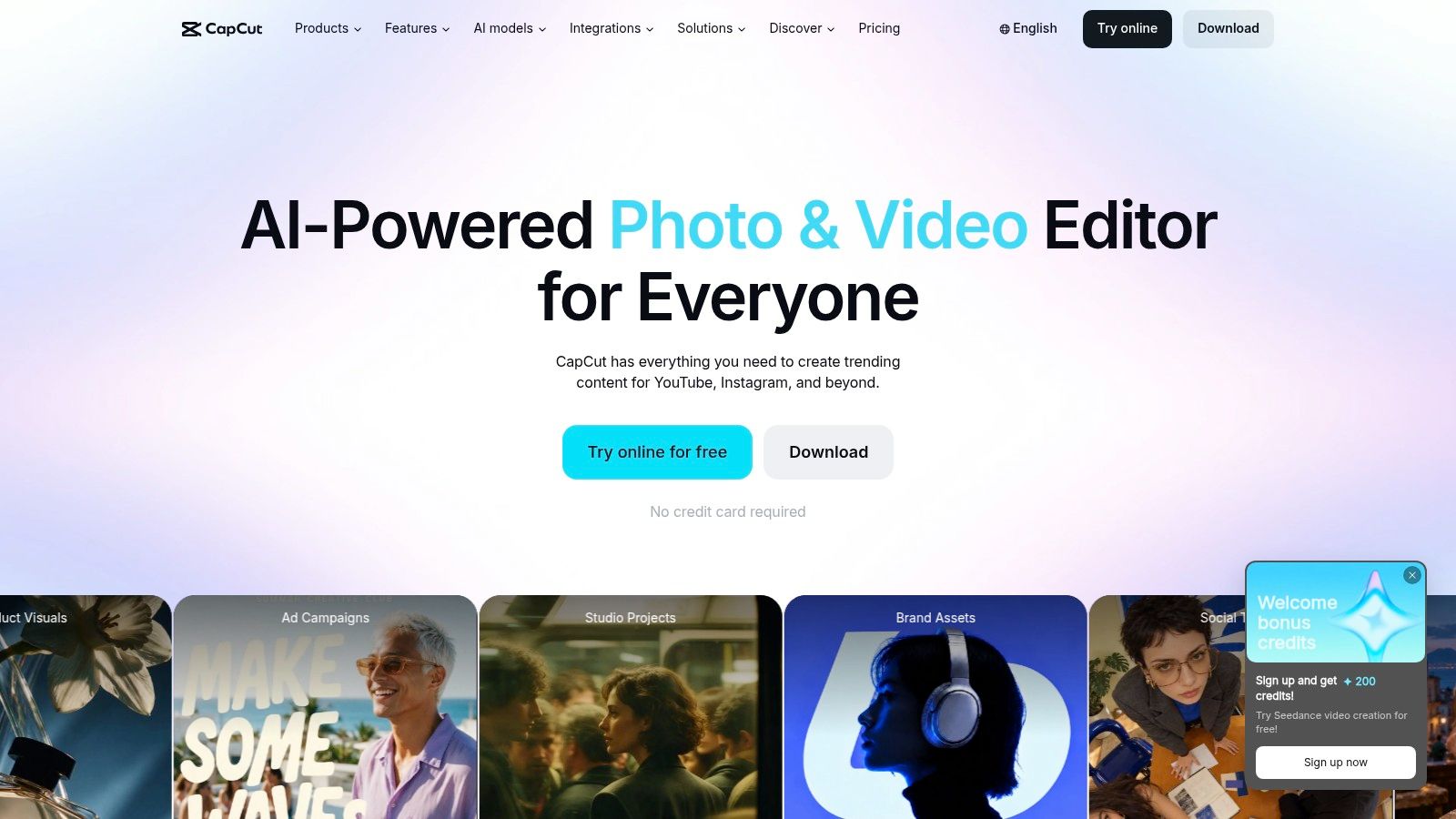
CapCut starts where most short-form footage starts, on a phone. CapCut runs across mobile, desktop, and web, with templates, effects, transitions, filters, auto captions, text-to-speech, speed controls, keyframes, stabilisation, and chroma key. A creator can shoot in the morning, cut on mobile, then refine the same style of edit on a larger screen when needed.
That mobile-first rhythm suits younger audiences and trend formats. Deloitte's 2024 Digital Media Trends survey found that 47% of Gen Z consumers surveyed in the United States in 2024 said social media videos and livestreams were their favorite form of video content. CapCut's effects and caption styling are built for that viewing habit, not for formal corporate sequences.
The catch is control and consistency. Paid features and pricing can vary by plan or device, and a template-and-effects culture can drift away from strict brand rules. Teams need shared presets, approved fonts, and a review step if several people publish. For fast creator edits, product demos, and social-native ads, CapCut is hard to beat. For tightly governed campaigns, it needs discipline around it.
4. Adobe Express
Adobe Express is the safer choice for a social team that worries more about brand drift than editing tricks. It combines drag-and-drop video creation, trimming, transitions, voiceover recording, resizing, captioning, Brand Kits, branded templates, and a Clip Maker for turning longer recordings into social clips. The result feels like a controlled production desk rather than an effects playground.
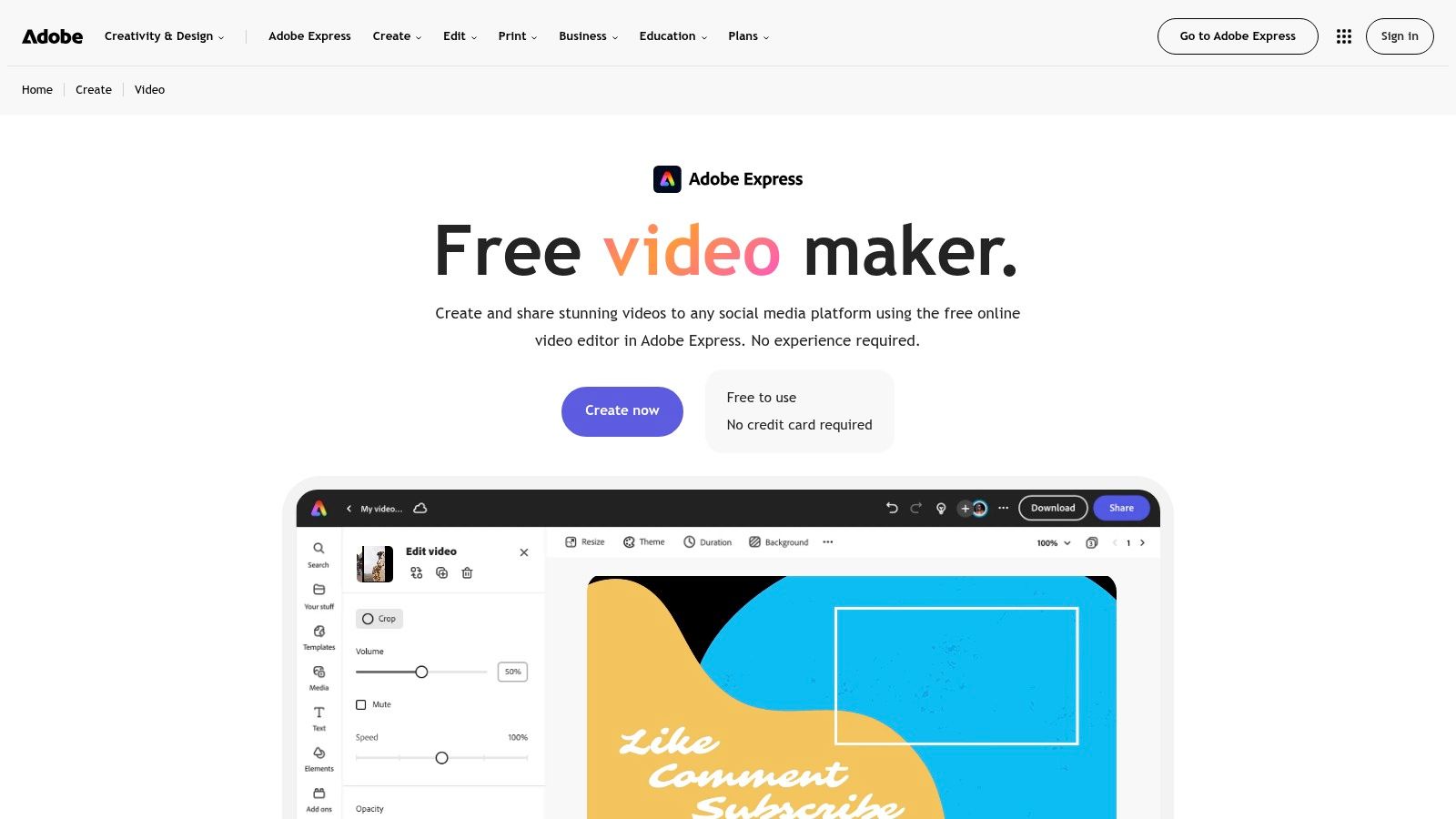
Free users can create and export videos, which makes evaluation straightforward. Premium tiers then add stronger brand, stock, and scheduling capabilities without forcing the team into a professional editing suite. Say a franchise group needs local managers to publish offers without changing colours, logos, or type. Adobe Express fits because the template can carry the rules while each location swaps footage and copy.
Practical rule: Pick the editor that makes the correct brand choice the easiest choice, especially when non-editors publish under deadline pressure.
It isn't the tool for intricate frame-by-frame work, layered sound design, or long narrative edits. Some assets and scheduling features also depend on the plan. Its strength is repeatability. Teams producing explainers, announcements, and paid social variants get usable video without opening heavier Adobe software for every small change.
5. VEED
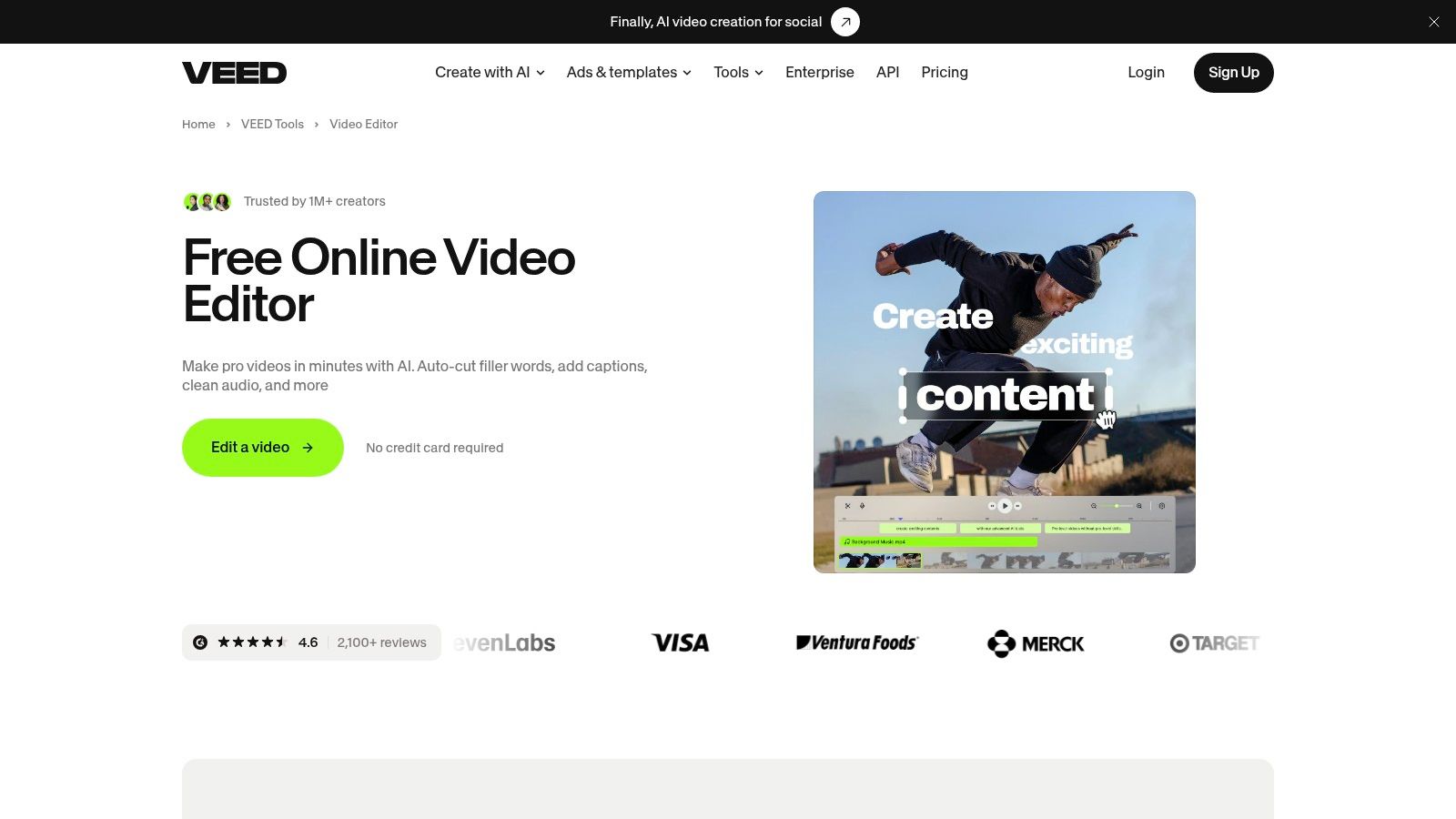
VEED makes most sense when words carry the video. VEED is browser-based, so there's no desktop installation, and it centres on auto-subtitles, transcript-based editing, resizing, text, music, stock assets, and audio cleanup. Talking-head clips, tutorials, testimonials, and explainers benefit because captions can be generated, corrected, styled, and reframed in one place.
Captions aren't a niche accessibility extra. The POST social media accessibility guide notes that 80% of caption users are not deaf or hard of hearing, which helps explain why readable subtitles matter for muted feeds and public viewing. VEED's value is strongest when subtitle accuracy and legibility are part of the production standard, not an afterthought added at export.
The free plan lets users test the core editor, but free exports carry a watermark and some AI functions are limited or trial-based. Paid plans remove the watermark and raise export quality. That means the free tier works for workflow evaluation, not client delivery. Choose VEED when a team publishes captioned variations every week and wants browser access without building a desktop editing setup.
6. InVideo
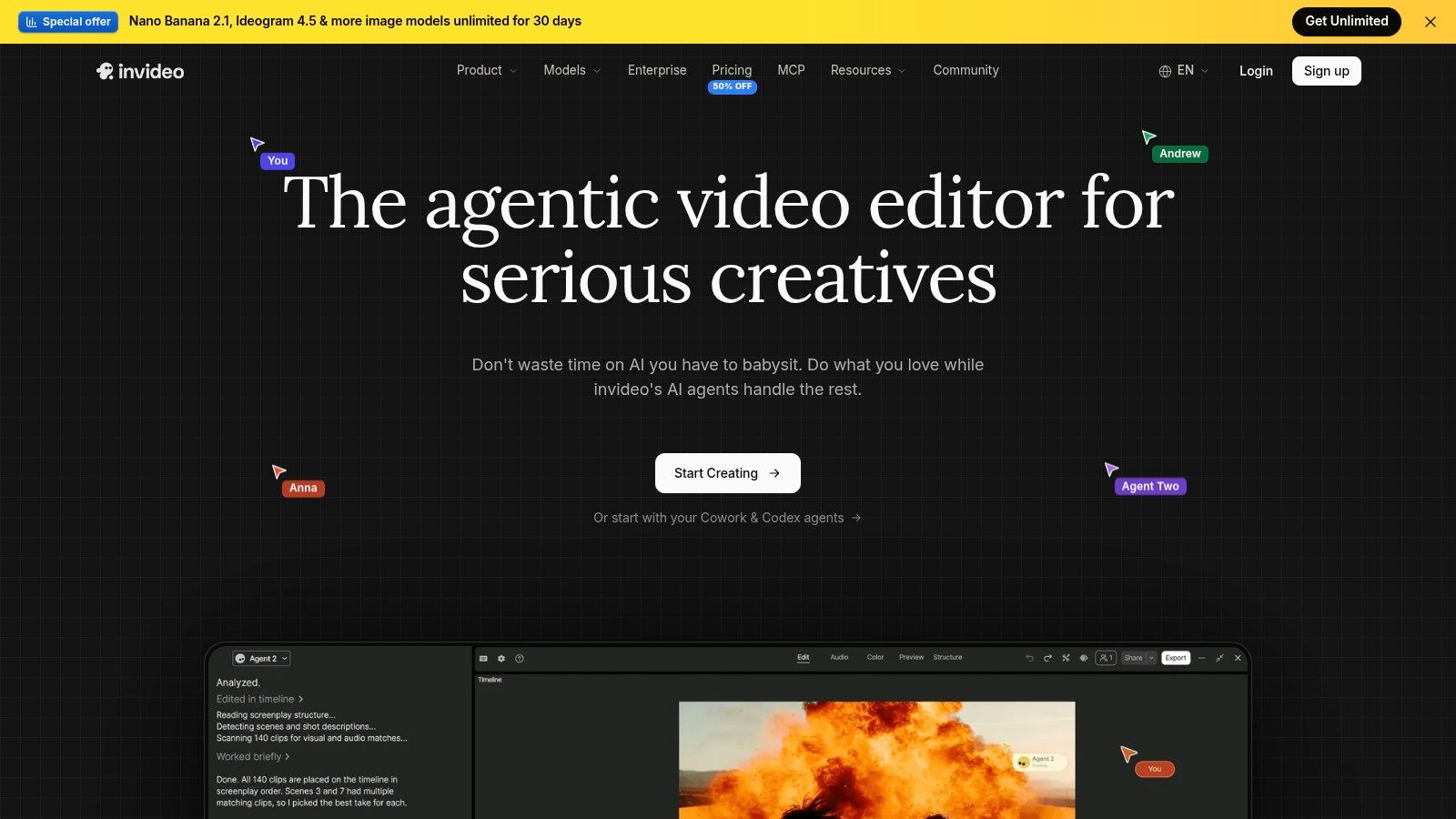
Concept first, timeline second. That's the logic behind InVideo, which pairs AI-assisted generation with conventional editing and multiplayer collaboration. A marketer can start from an idea or script, generate a first draft, then refine scenes, footage, and pacing instead of assembling everything from an empty canvas.
What to check before paying
- Credit burn: Plans vary in monthly credits, so frequent regeneration can affect the actual cost per finished video.
- Model access: AI capabilities depend on the selected tier, not just the headline subscription.
- Stock and storage allowances: A team making daily variants should calculate footage and project limits against its publishing calendar.
Higher plans add team and guest-seat options that suit agencies reviewing drafts with clients. The risk is treating generation as finished creative. Stock matches can look plausible yet miss the product detail that makes an ad credible, and credit-based pricing makes comparisons with flat-fee editors harder. InVideo is most persuasive for concept-led promos, explainers, and rapid pitch drafts where a rough cut prompts feedback. It's less economical if users already shoot strong footage and mainly need trimming, captions, and export presets.
7. Animoto
Animoto is deliberately simple. Its template-led, browser-based editor lets small businesses combine photos, clips, text, music, and licensed stock into clean promotional videos without learning a complex timeline. Cloud editing, social sharing, and screen or webcam recording cover the routine jobs that fill many content calendars.
A café promoting a weekend special, a school announcing an event, or a retailer turning product photos into a short offer video doesn't need keyframes and nested sequences. Animoto's storyboards provide structure, pacing, and transitions, leaving the user to swap assets and copy. That constraint is the point. It prevents a straightforward announcement from turning into an afternoon of design decisions.
The free plan supports unlimited video creation, which is generous for testing templates and internal drafts. The visible catch is that free videos include an Animoto watermark, so public brand work will usually require payment. Advanced branding, stock, voiceover, and team features also sit in paid tiers.
Animoto won't suit creators chasing platform-native effects or editors rebuilding long interviews. It also gives less room to develop a distinctive visual language outside the template system. Its best use is predictable output, where the same business needs polished listings, testimonials, seasonal offers, and updates without hiring an editor for every post.
8. Kapwing
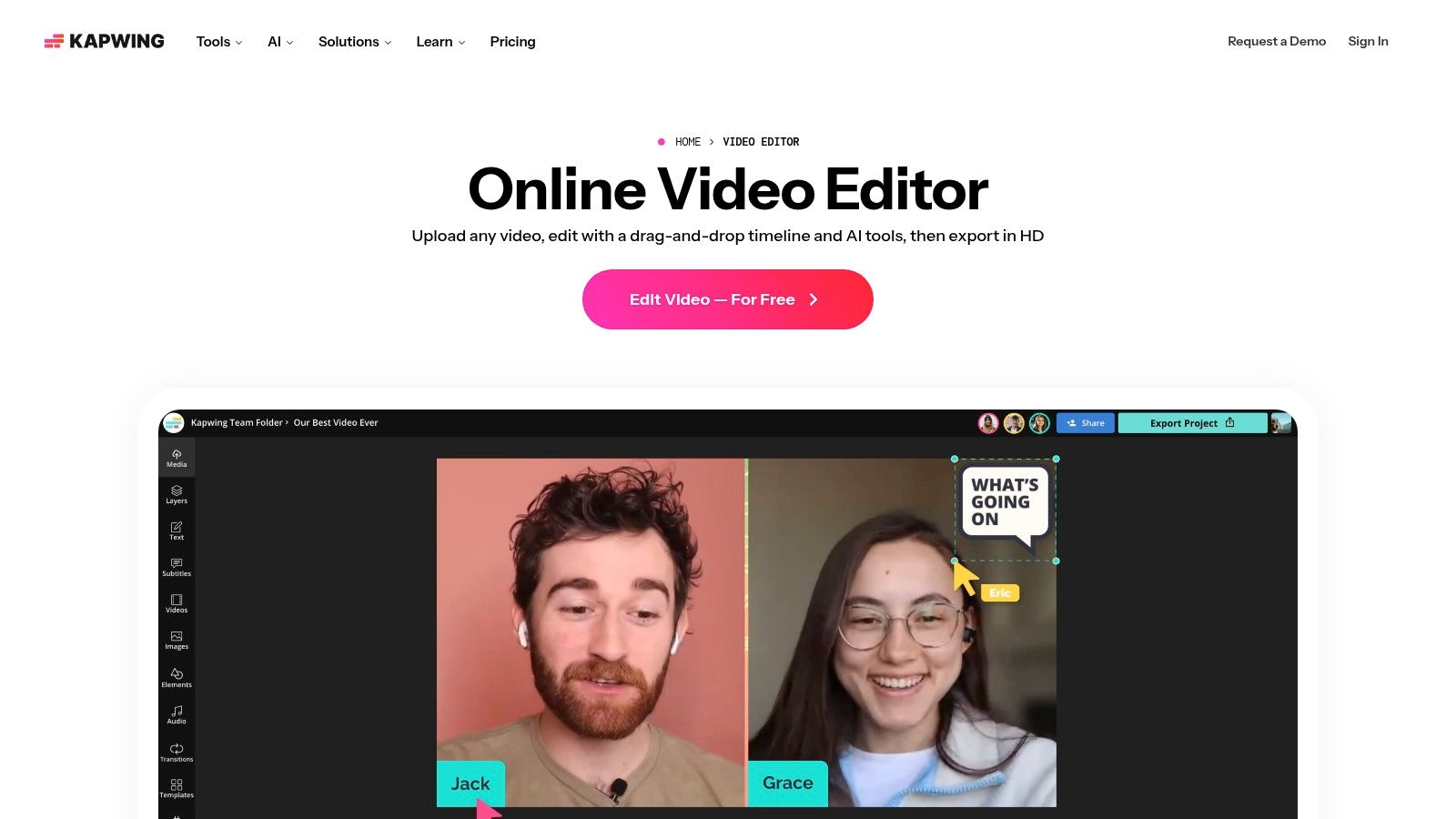
Kapwing earns its place in repurposing workflows. Kapwing offers browser-based timeline editing, uploads, URL imports, recording, auto-subtitling, subtitle translation, text-to-speech, audio cleanup, a Brand Kit, custom fonts, and shared workspaces. An interview or webinar can be imported, subtitled, trimmed to a strong exchange, reframed, and prepared for several placements without desktop software.
Length discipline matters here. The SCORE video marketing presentation reports that 51% of marketers identified 30 to 60 seconds as the most effective duration, making it a useful first test range for clips lifted from longer recordings. That focus on extracting publishable moments is also visible in new creator tools such as MrBeast's Vyro video clipping platform.
The free limits are clear and restrictive. Exports are watermarked and capped at 720p and four minutes, while AI tools consume plan credits. Paid plans add collaboration, brand controls, and 4K exports. Kapwing suits distributed teams that value subtitle translation and shared browser workspaces. Heavy daily AI use needs credit monitoring, because a cheap-looking plan can become expensive when every clip requires several automated passes.
9. FlexClip
FlexClip is easy to evaluate because its tiers map closely to visible production needs. The browser editor provides templates, stock video and audio, cloud projects, and AI features, with paid plans adding brand kits, custom fonts, and more storage. A small team can start with the free editor, then decide whether watermark removal, resolution, or asset allowances justify an upgrade.
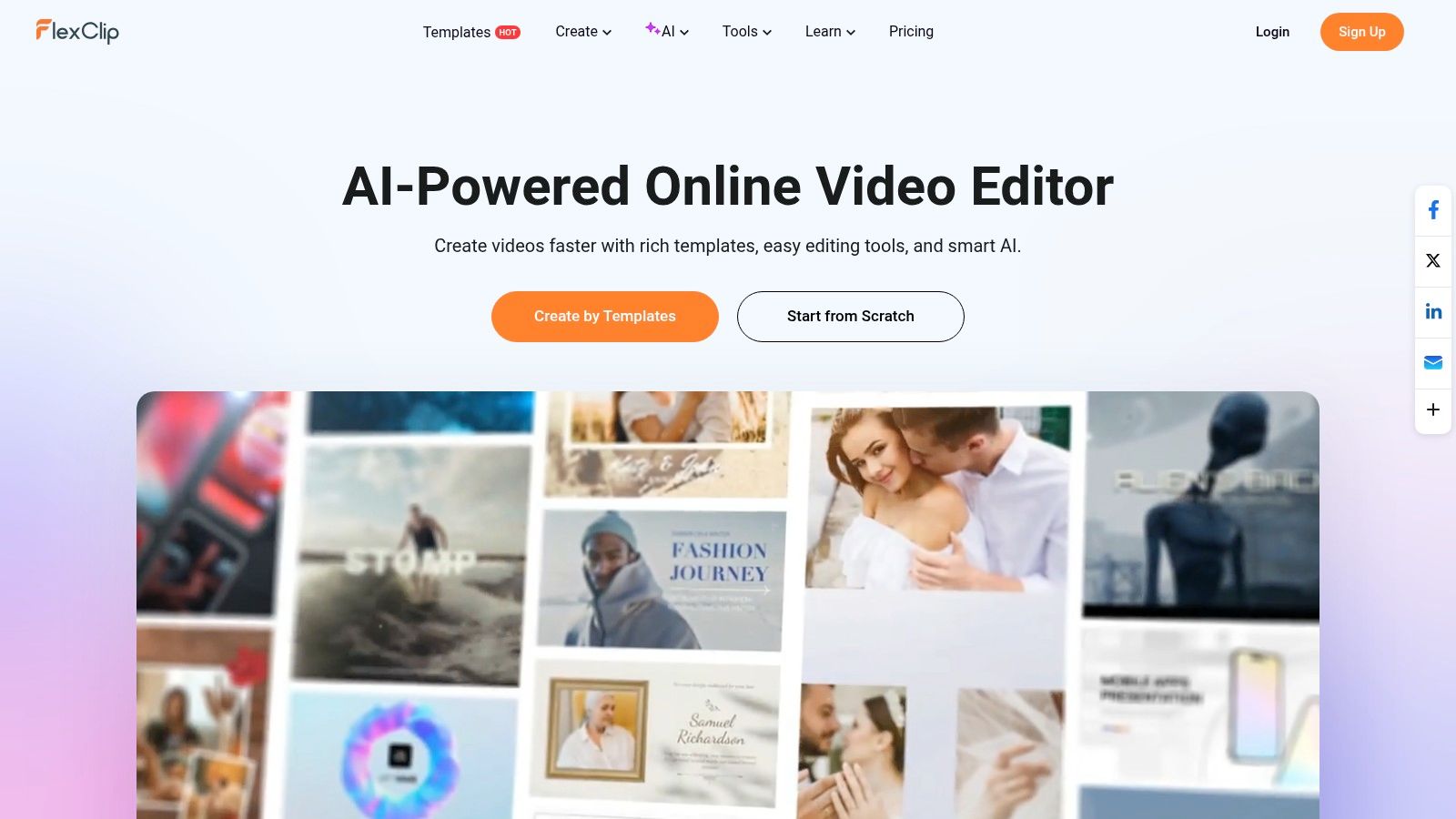
The paid ladder is straightforward. Plus offers 1080p exports without a watermark, while Business offers 4K exports. That makes FlexClip practical for teams that publish product clips, event recaps, real estate tours, or simple ads and want predictable quality gates rather than a confusing bundle of generation credits.
A free plan is only useful if the exported file is good enough to judge on the phone and platform where the audience will actually see it.
Free use limits resolution, project count, and video length, and AI access varies by plan. Those caps are fine for testing layout and editing speed, but they won't support an active multi-brand calendar. FlexClip is less distinctive than a transcript editor or mobile-first effects tool, yet that plainness can be a virtue. It gives generalist marketers templates and stock without demanding a new production method.
10. Clipchamp
Clipchamp has the cleanest free-tier proposition on this list. Clipchamp is Microsoft's browser-based editor, and its free plan provides watermark-free exports up to 1080p. Trimming, cropping, rotation, resizing, subtitles, AI voiceovers, and silence removal cover simple social edits without an obvious penalty stamped across the finished file.
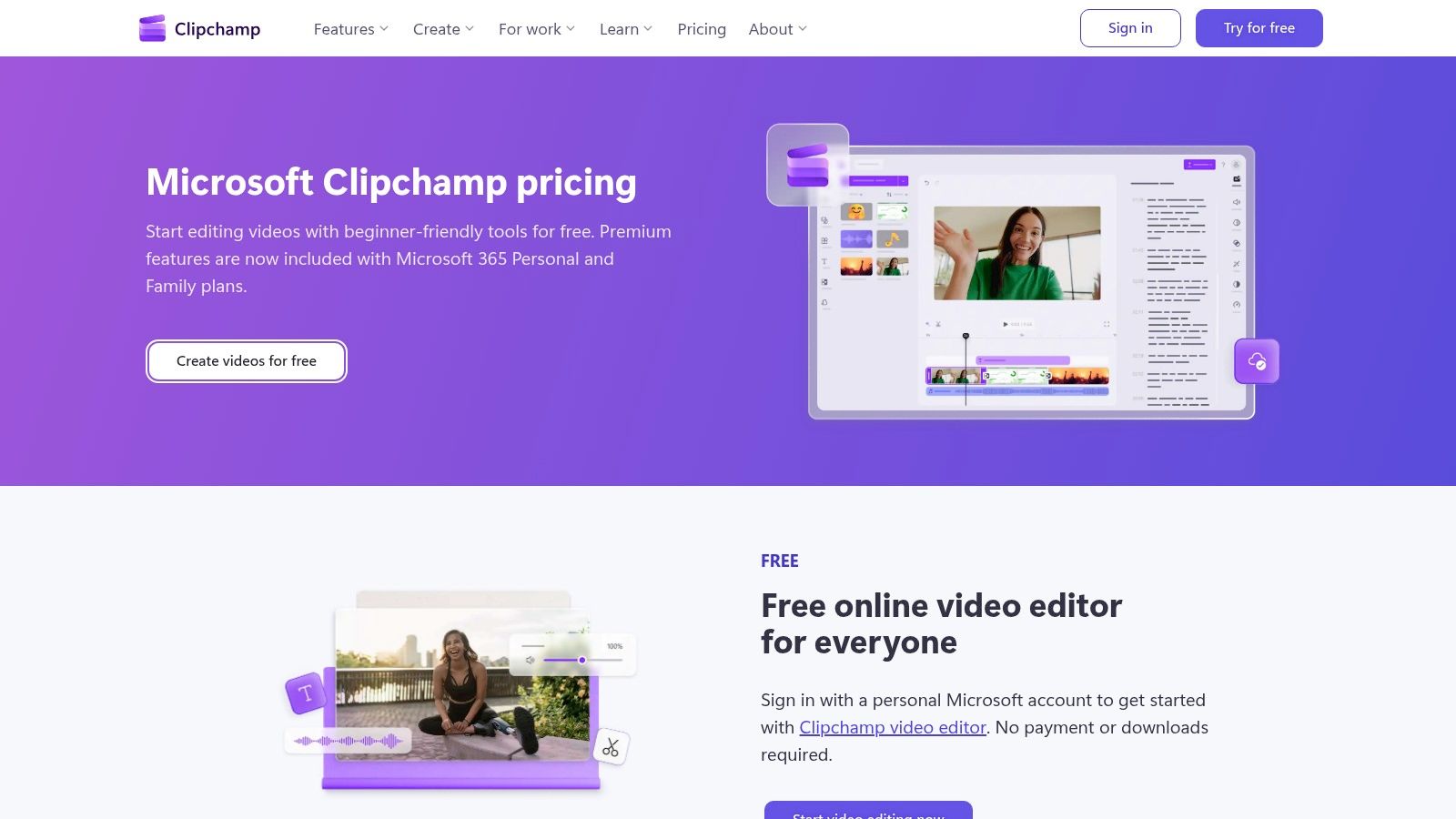
It's especially convenient for households and small teams already paying for Microsoft 365, since Personal and Family subscribers may already have premium access included. Say a consultant records short LinkedIn updates on a laptop and needs silence removed, captions added, and a clean vertical export. Clipchamp handles that job with little setup and no second subscription decision.
Platform owners keep adding generation features around this category too, as shown by Google's image-to-video addition to Google Vids. Clipchamp remains more editor than generator. Advanced features and premium assets depend on subscription access, and highly customised or effects-led production will outgrow it. For straightforward workplace videos, school projects, and no-fuss social posts, its free output quality makes it the budget benchmark.
11. Descript
Descript changes the editing object from a timeline to a document. Descript transcribes audio and video so users can cut footage by deleting or moving words in the transcript. Its clip creation, filler-word removal, and Studio Sound tools are designed for interviews, podcasts, webinars, and explainers where finding the right sentence matters more than layering effects.
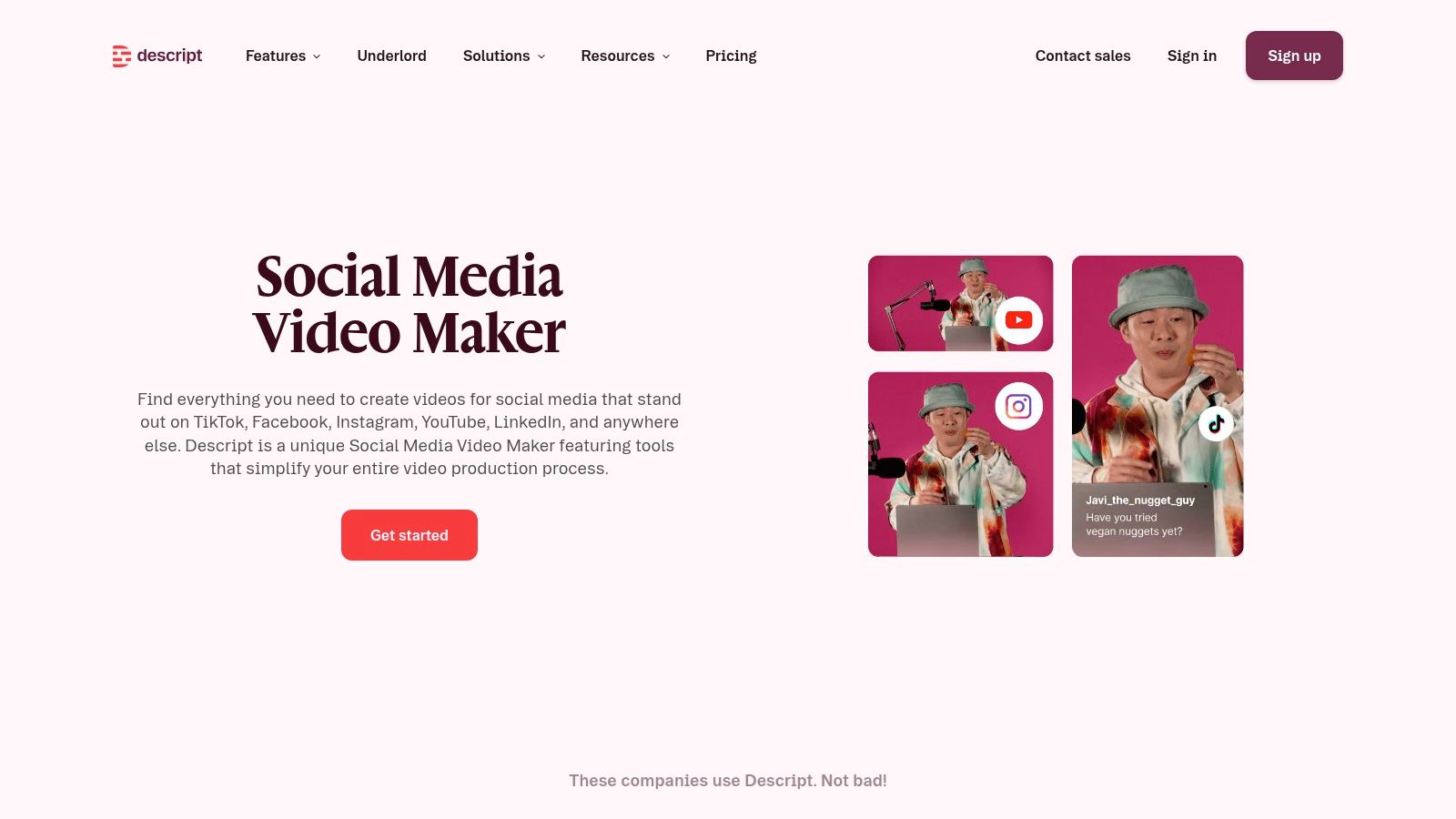
That workflow can transform repurposing. A producer can search a transcript for a product claim, isolate the exchange, clean the speech, and export a captioned clip without scrubbing through an hour of footage. Free access includes limited AI tools and watermark-free 720p export, while paid tiers raise resolution and add media hours, credits, and more AI capacity.
Best and weakest use cases
- Strongest fit: Dialogue-heavy content with repeated long-form recordings and several short clips pulled from each session.
- Weakest fit: Music-led edits, visual effects, product montages, and footage where the picture carries the story without speech.
Transcript errors still need checking, especially names, prices, and technical terms. Free limits also restrict serious volume. When spoken content is the raw material, though, Descript can save more time than a prettier template library because it removes the search and rough-cut bottleneck first.
How the 10 social media video makers compare
The tools split along two lines: how you edit (prompt, template, timeline, or transcript) and what the free plan lets you export. The table maps each platform's availability, free-tier limits, and the trade-off that matters most in day-to-day production.
| Platform | Platform availability | Free plan reality | Best for | Standout limitation |
|---|---|---|---|---|
| revid.ai | Browser-based | Generation runs on plan-based credits, so lower tiers cap output volume | Generating social videos from ideas, links, and existing content | Generated drafts need editorial review before publishing |
| Canva | Web, desktop, iOS, and Android | Free plan available; some resizing options and premium assets require payment | Creating social videos alongside other campaign designs | Better for templated edits than complex post-production |
| CapCut | Mobile, desktop, and web | Free plan available; paid features and pricing vary by plan or device | Fast, mobile-first short-form editing | Template-and-effects workflow may not suit tightly controlled brand production |
| Adobe Express | Web and mobile apps | Free users can create and export videos; some features depend on plan | Making social videos while maintaining brand consistency | Less suited to intricate frame-by-frame editing |
| VEED | Browser-based | Basic editing is free; exports include a watermark and some AI tools are limited or trial-based | Online editing and subtitle-heavy social content | Free exports include a watermark |
| InVideo | Browser-based | Free access is limited; AI credits, export allowances, and model access scale with the paid tier | Generating and refining first drafts of concept-led videos | AI credits, model access, and capabilities depend on plan |
| Animoto | Browser-based | Unlimited video creation; free videos include a watermark | Straightforward branded and promotional videos | Advanced branding, stock, and collaboration require paid plans |
| Kapwing | Browser-based; works across common desktop platforms | Free exports are watermarked and limited to 720p and four minutes | Turning interviews or longer recordings into captioned clips | AI tools consume plan credits |
| FlexClip | Browser-based | Free plan available, with limits on resolution, project count, and video length | Template-based video creation with cloud projects | Higher-quality exports and larger asset allowances require a subscription |
| Clipchamp | Browser-based | Free watermark-free exports up to 1080p | Simple social videos, especially for Microsoft 365 users | Better suited to straightforward edits than complex production |
| Descript | Mac and Windows desktop, plus web | Limited free access, including watermark-free 720p export and restricted AI tools | Repurposing interviews, podcasts, and webinars into social clips | Transcript-first editing is less useful for visually or effects-driven edits |
Free-plan limits cluster into three types. Watermarks gate VEED, Animoto, and Kapwing. Resolution, length, or project caps constrain Kapwing, FlexClip, and Descript. Credit meters throttle AI generation at revid.ai, InVideo, and Kapwing, so heavy output pushes you to a paid tier regardless of advertised features. Clipchamp is the outlier: its free export stays clean at 1080p, which is why it keeps appearing on shortlists for teams with no editing budget.
How to Pick Your Tool and Keep Up With What Changes Next
Start with the dominant workflow, then look at price. Template-led production points to Canva, Animoto, or FlexClip, where the main job is swapping assets and copy into a reliable structure. Mobile-first short-form editing points to CapCut. Caption and repurposing work fits VEED, Kapwing, or Descript, while Adobe Express suits teams that need brand consistency across many contributors.
Other choices depend on where time disappears. Revid.ai and InVideo help when the blank page or first draft slows publication, although their outputs still need editorial review and credit awareness. Clipchamp is the clearest option when a watermark-free free export matters more than advanced production controls. A team that publishes both filmed shorts and podcast clips may need two tools, but it should name one primary editor so templates, captions, and exports don't fragment.
Test free tiers with a real asset, not a sample project. Export the exact 9:16, 1:1, and 16:9 versions required, view them on a phone, check caption safe areas, and confirm whether the watermark, resolution cap, project limit, or credit meter blocks normal use. That single test exposes more than a feature grid because it shows revision speed, subtitle quality, asset handling, and whether collaborators can review without downloading multiple files.
Measurement should survive the tool choice. AI can create variants quickly, but the Marketing-Interactive report on Mediaocean's AI execution gap identifies data quality and cross-system integration as major barriers for marketers. Teams should change one variable per variant where possible, record caption and audio versions, and judge three-second views, completion, clicks, leads, and conversion value against the campaign objective. Fewer deliberate variants often teach more than a larger pile of untracked exports.
Platform requirements won't stay still. Aspect-ratio conventions, caption behaviour, ad placements, AI labels, and editing features change as Meta, TikTok, YouTube, and Google release new products. The Keyword follows those shifts across its Social and Video news categories for over 200,000 subscribers, and its free Meta Ad Library lookup helps marketers benchmark live competitor creative before committing production time. Checking what competitors are running can reveal whether the next video needs a new hook, a clearer caption style, or a tighter first three seconds.
The final takeaway is to choose one social media video maker, build repeatable presets inside it, and master the review and export process before chasing another platform. Revisit the comparison when volume, team structure, or paid media requirements change, because plans and free limits evolve quickly. A tool that fits the work, produces clean files, and makes the next video easier than the last is worth more than the longest list of unused features.
Put the shortlist to work this week by exporting one finished video from two finalists, comparing the watermark, caption quality, and cost per publishable file, then follow The Keyword for Social and Video updates and use its free Meta Ad Library lookup to benchmark competitor creative before the next production round.